- Home
- PCO returns and driver compliance
PCO returns, driver paperwork and pay, sorted
The office work that comes after the bookings is in CDS too: TfL’s weekly PCO returns, driver and vehicle documents, driver pay, account invoices and the numbers that tell you how the business is doing.
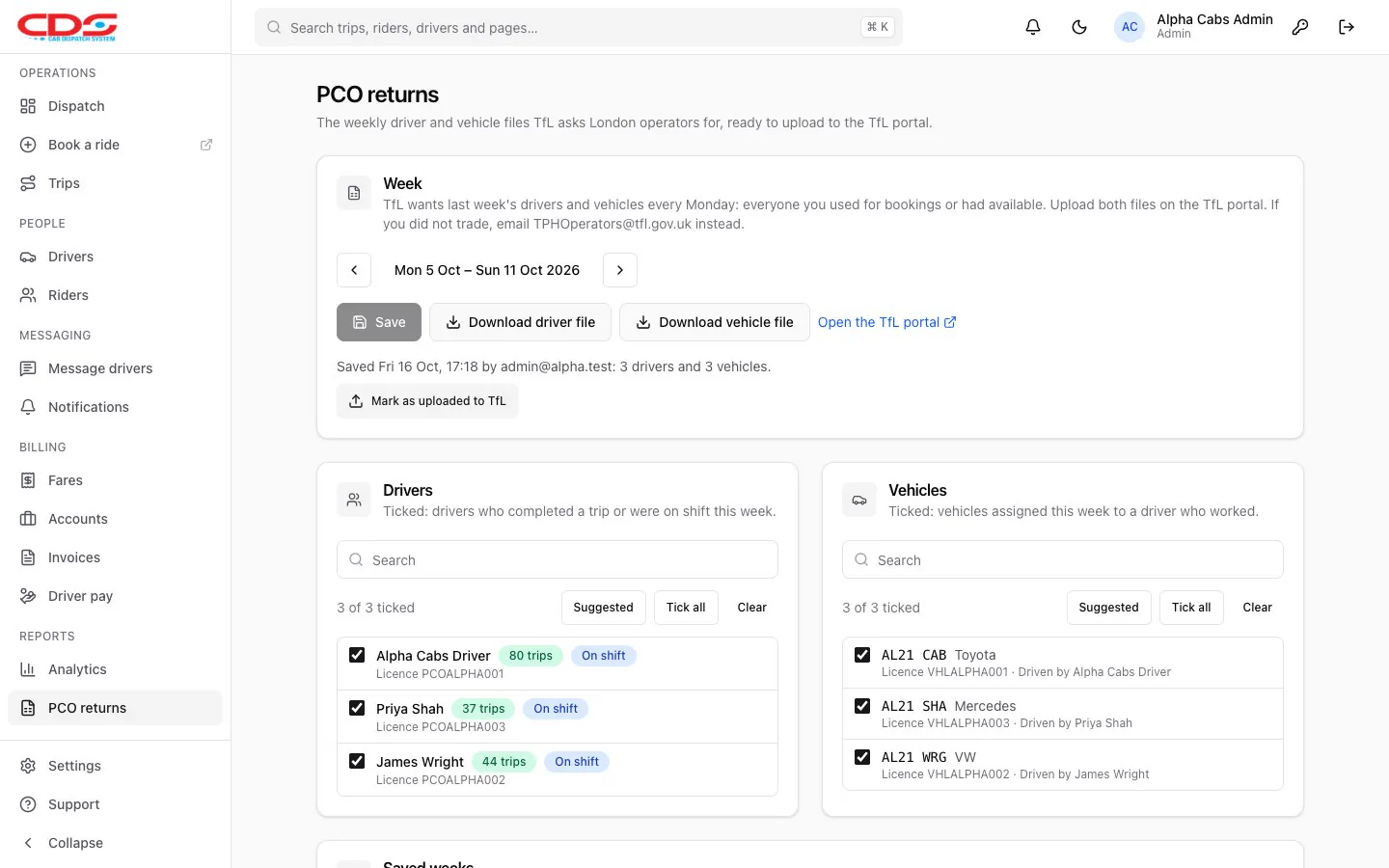
Real CDS screen with sample data.
TfL PCO weekly returns in a few clicks
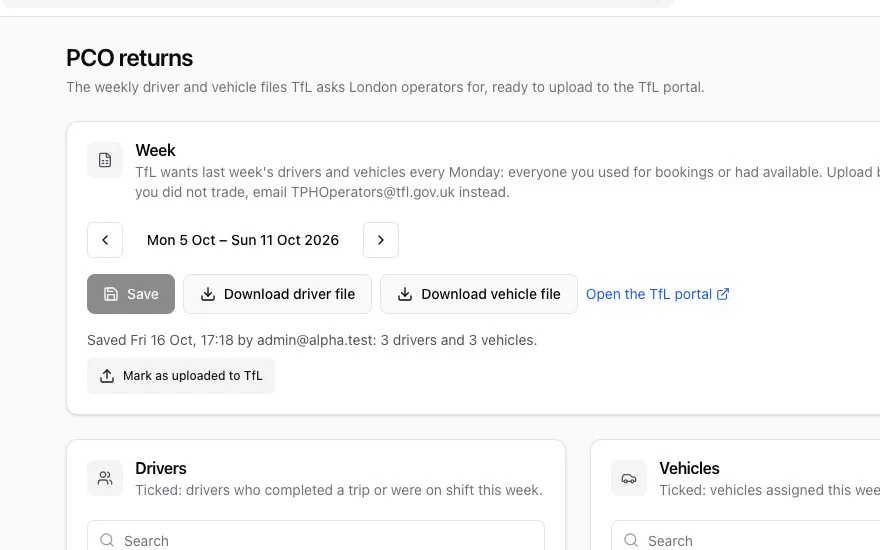
London private hire operators upload two files to TfL every Monday: the drivers and the vehicles they used or had available the week before. CDS builds both from who actually worked.
- Drivers who completed a trip or were on shift are ticked for you
- Missing or expired licences are flagged before you download
- Both files in TfL’s own CSV layout, saved week by week
- Mark each week as uploaded, so you know it’s done
TfL has no way for software to send the files, so you upload them on the TfL portal yourself. CDS switches PCO returns on for offices licensed by TfL.
Driver compliance without the spreadsheet
Keep each driver’s licences and each vehicle’s documents with their expiry dates. CDS shows who is due, and stops drivers with an expired document from going on shift.
- Driving licence, PCO or taxi licence, insurance, MOT and DBS check
- Driver and vehicle photos for the passenger’s driver link
- “Send reminder” texts or emails the driver what to renew
- A reminder goes automatically, at most once a day, when a blocked driver tries to go on shift
- Driving licenceValid to 2029
- PCO licenceRenew in 18 days
- Insurance LB23 KXTValid to Mar 2027
- MOT LB23 KXTValid to Jan 2027
Sample driver.
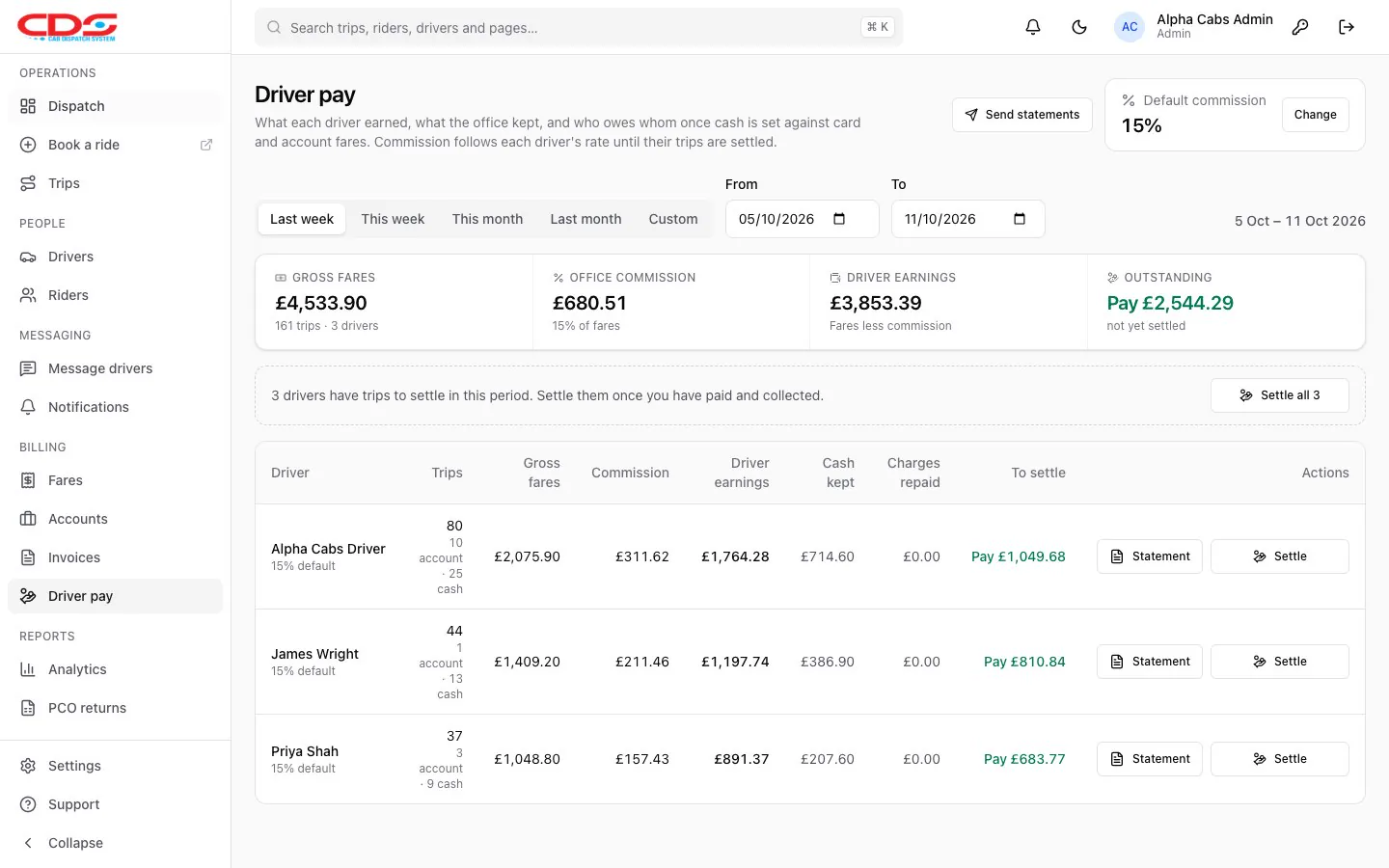
Driver pay that adds up
See what each driver earned, what the office kept and who owes whom once cash is set against card and account fares. Settle up into a statement you can print, text or email.
- Commission office-wide or per driver, applied to trips until they’re settled
- Airport charges paid back to the driver on card and account trips
- Statements sent automatically every Monday, if you want
Accounts, invoices and analytics
Business customers book on account at their own prices, and you invoice them for the month in a few clicks. Analytics shows how the office and each driver are doing.
- Account details, VAT number, PO numbers, payment terms and credit limits
- Invoices go Draft, Issued, Paid, numbered with no gaps (INV-00001), with VAT
- Drop-off and parking charges on their own lines, without VAT
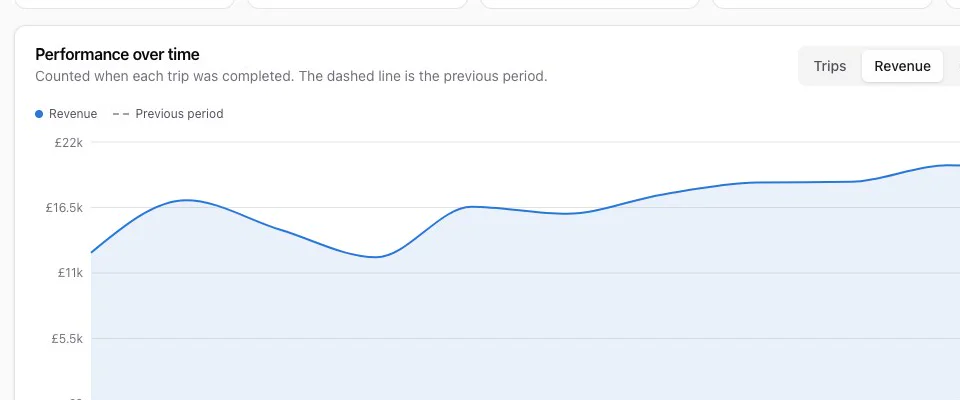
- Trips, revenue, commission and cancellations by hour, day or month, against the period before
Related features
Make Monday mornings shorter
See PCO returns, driver pay and invoices working with a sample office.