- Home
- Taxi dispatch software
Taxi dispatch software that keeps every job moving
The CDS dispatch board puts upcoming jobs, the drivers waiting in your queue and the drivers on a job side by side, so your controller can see the whole shift and send the right car in two clicks.
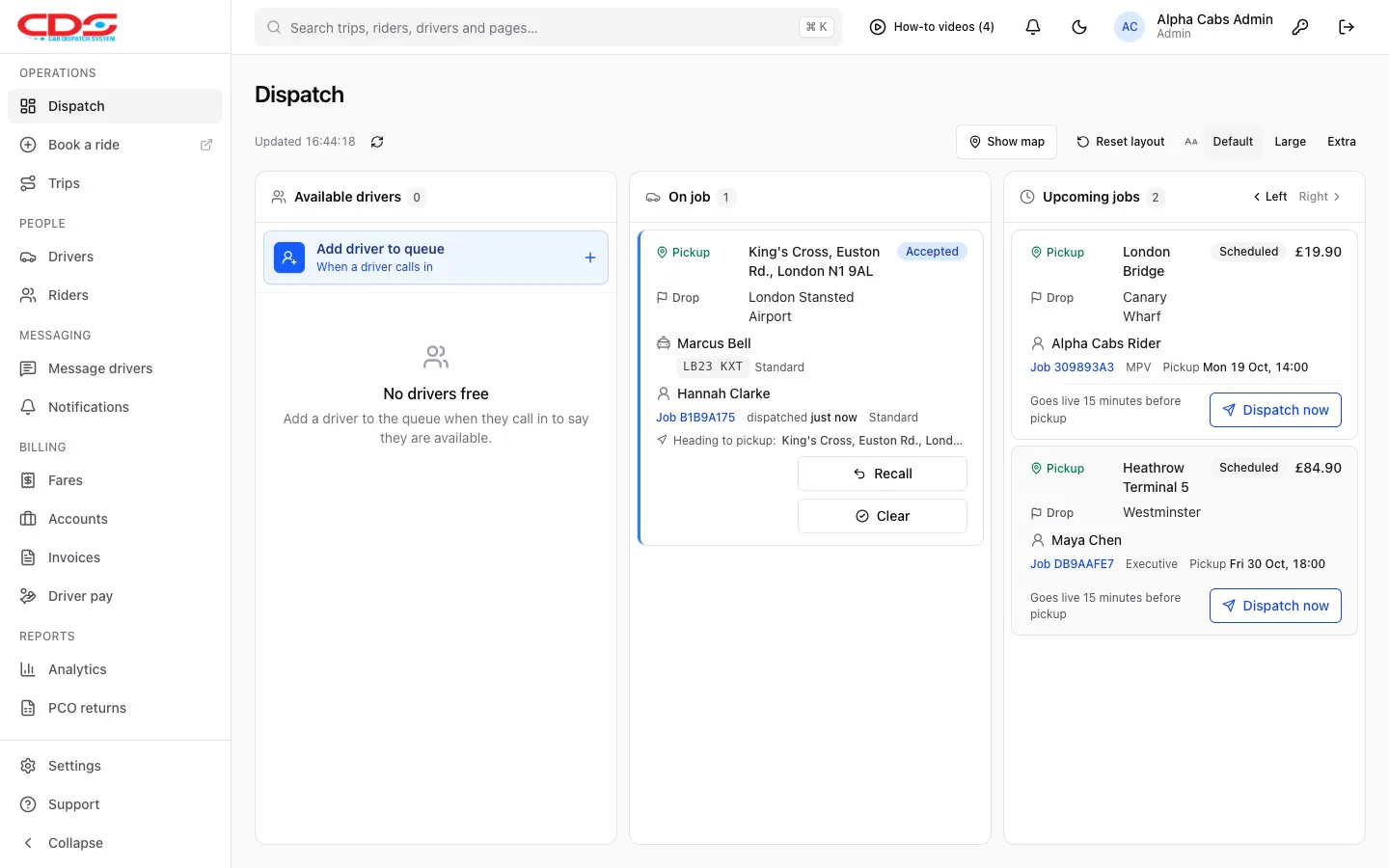
Real CDS screen with sample data.
One minicab dispatch board for the whole shift
Four panels show everything happening right now. Lay them out the way your controller likes, and the board keeps itself up to date.
- Available drivers: the queue of drivers who have called in free
- Upcoming jobs: waiting, scheduled and late, with their fares
- On job: who is heading to a pickup or carrying a passenger
- Driver map: where drivers are heading, worked out from their jobs
- Resize, move or hide panels and make the text larger. On a small screen the panels become tabs.
Assign the right car, first time
Choose a driver on the job and click Assign. CDS only offers drivers whose vehicle can take the booking, so an MPV job never goes to a saloon.
- Vehicle types to suit your fleet: Standard, Estate, Executive, WAV, MPV and Minibus to start, renamed or added to as you like
- Choose which vehicles can take which bookings, such as an Executive taking a Standard job
- Recall a job to put it back on the board, or mark it finished
- The passenger and the driver are both texted when you assign, if you switch those messages on
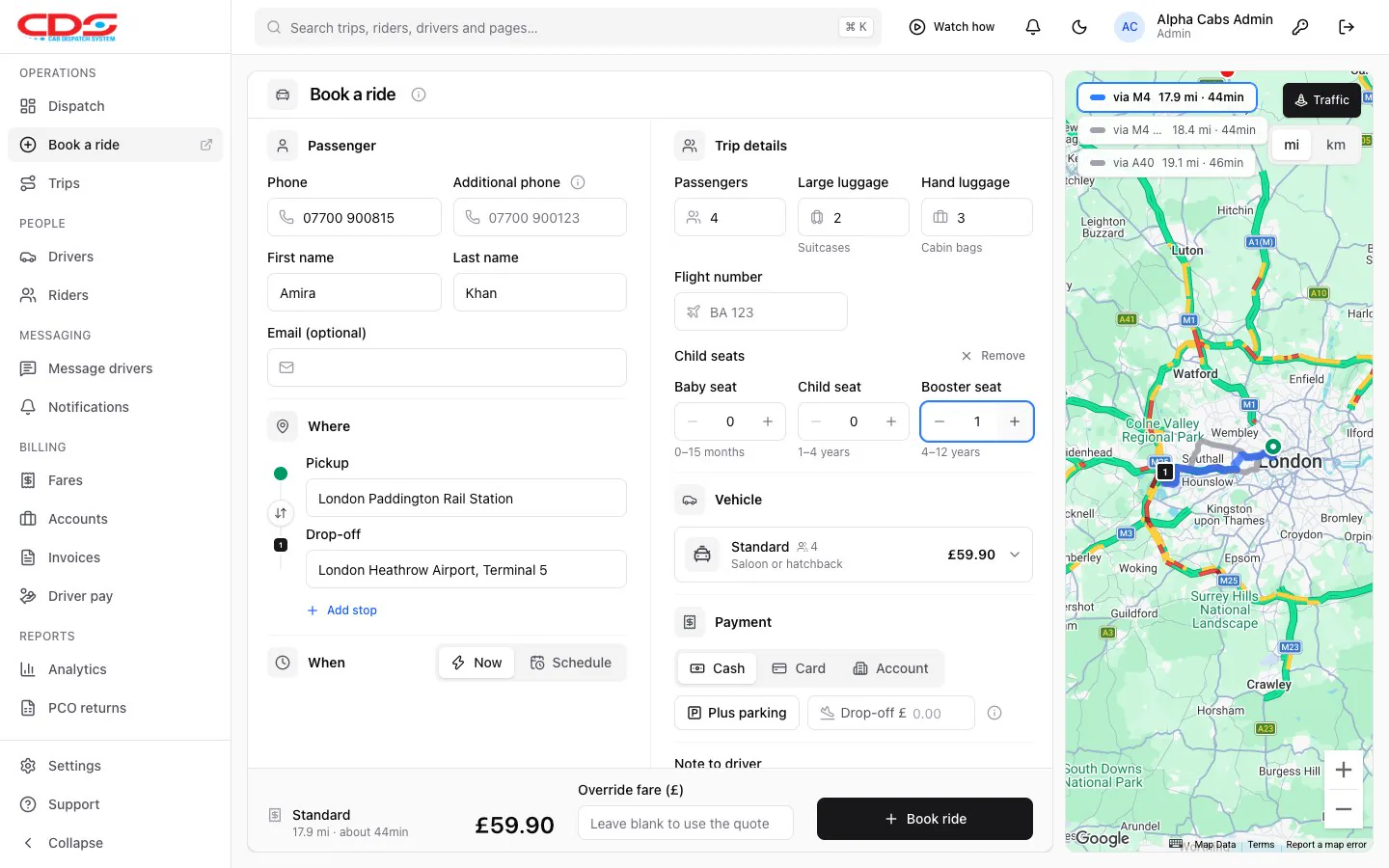
Late jobs can’t hide
If a booking’s pickup time has passed with nobody on it, or an as-soon-as-possible job has waited too long, CDS makes sure someone notices.
- A bell with every job that needs a driver
- Banners on the page, a chime and a spoken voice
- Desktop notifications while CDS is in the background
- Set how many minutes an ASAP job can wait before it counts as late
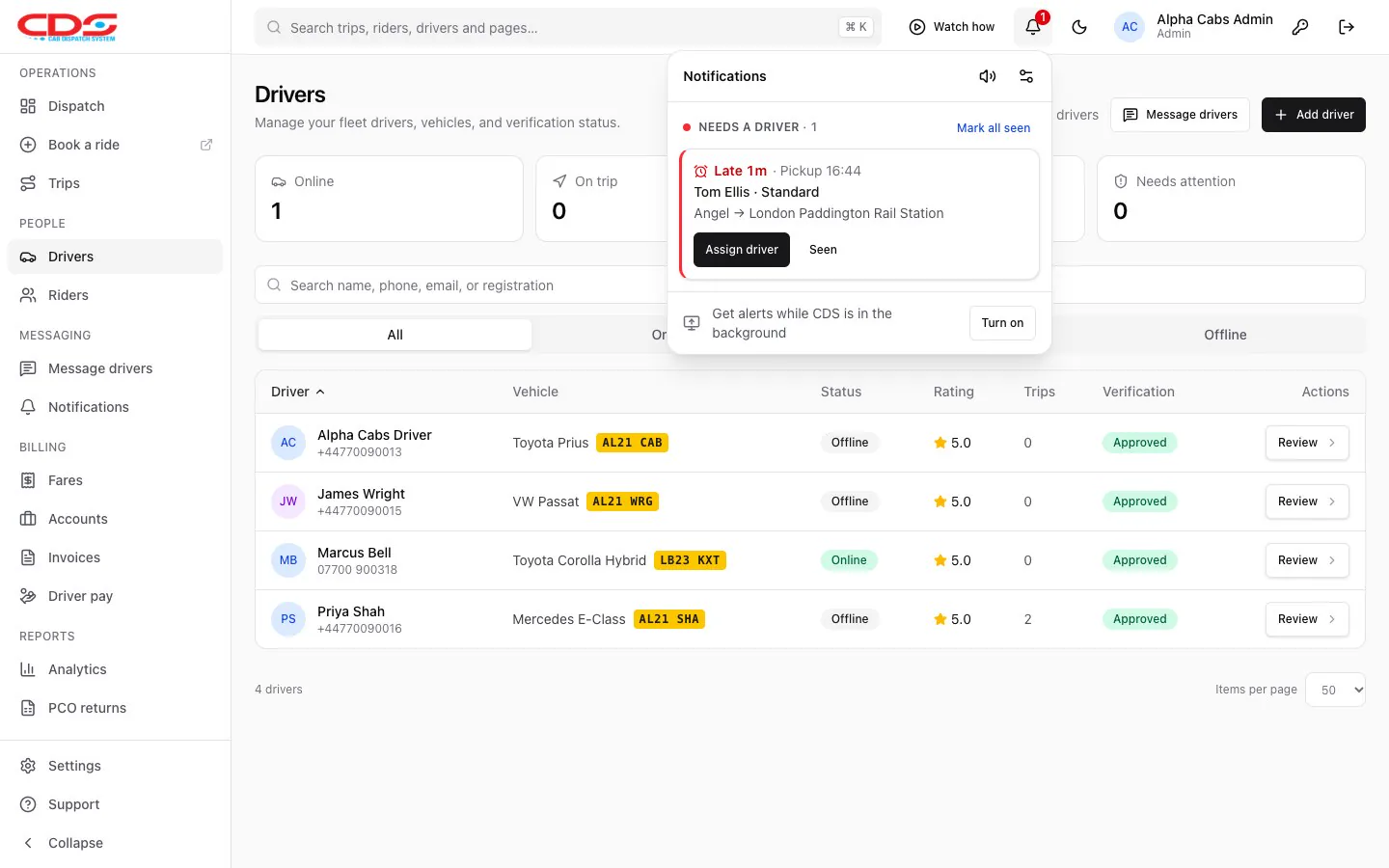
Built for busy offices
Bookings ahead go live on time
Scheduled jobs move onto the board 15 minutes before pickup. Need it sooner? Click Dispatch now.
Drivers get the job by text
Pickup, drop-off, passenger, luggage, child seats, flight and fare, sent the moment you assign. They hear about changes too.
Find anything fast
Search trips, passengers, drivers and accounts from the top of every page by reference, name, phone or address.
Related features
See the board running
We’ll walk you through a busy shift on a call and answer your questions.